Running an Exam
Starting an Exam
- Log in to Franklyn Proctor.
- Create a new exam or select an existing one, then start it.
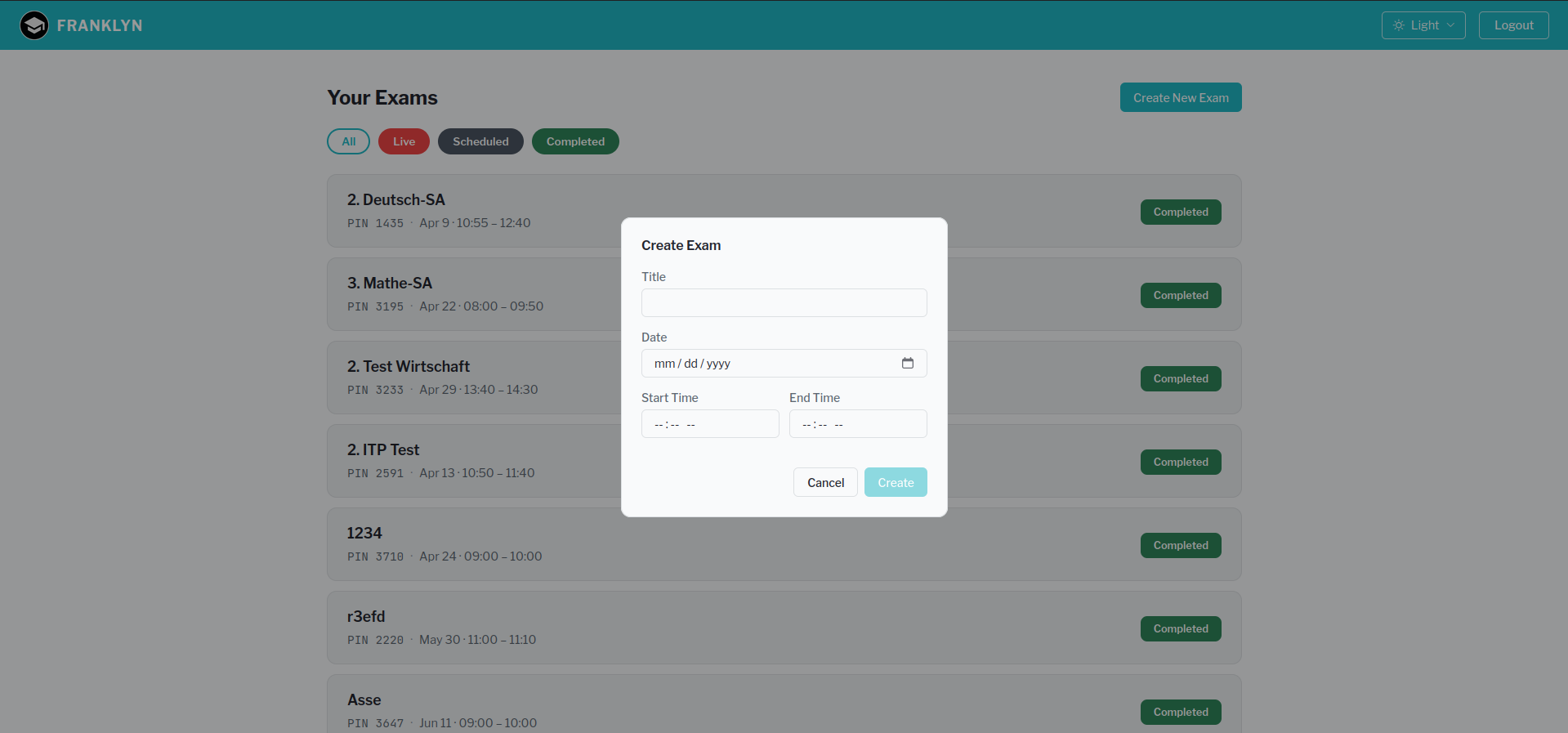
- A PIN is displayed. Share it with your students so they can join.
Monitoring
Once students have joined, you can monitor them in the dashboard:
- Overview: a grid of all active student screens at a glance
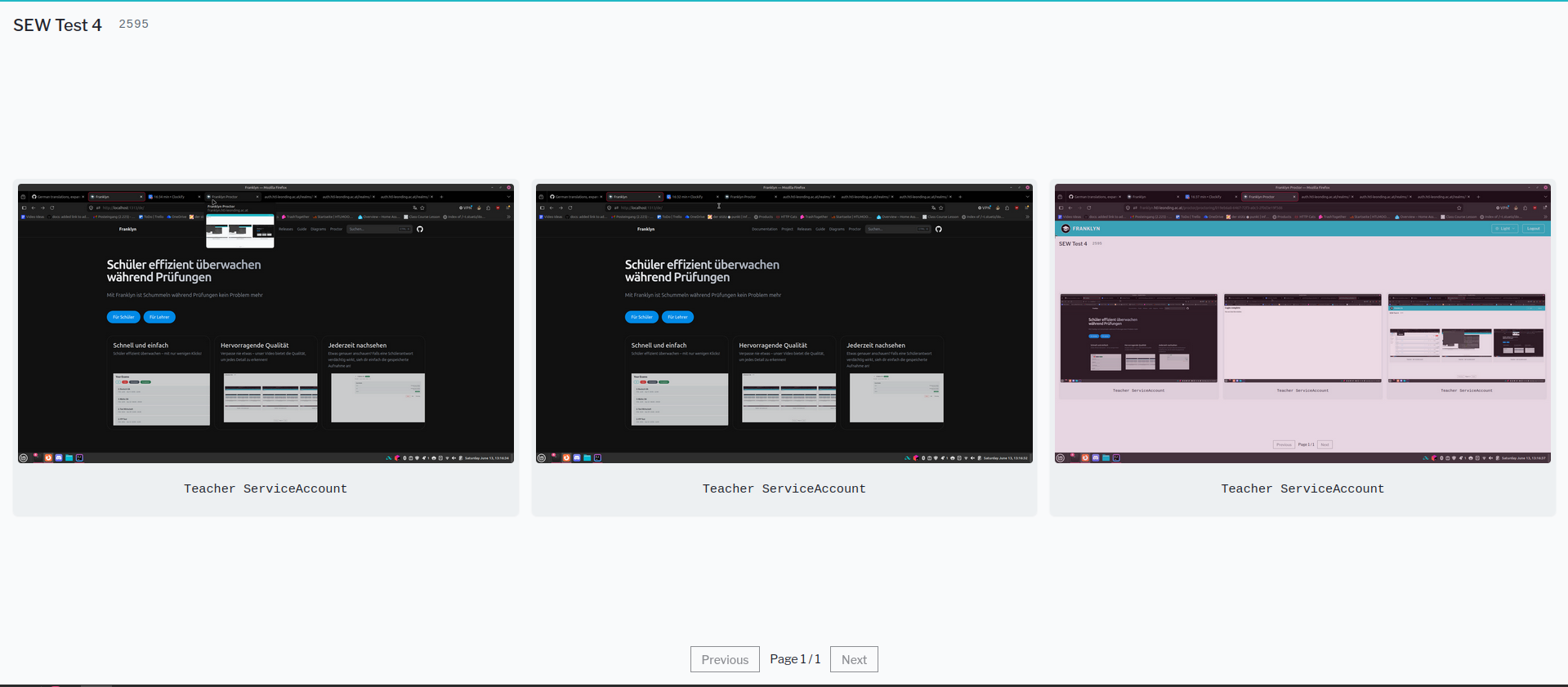
- Detail view: click any student to expand their screen for a closer look
Last updated on • Ed